 AniProject
Android launcher · Android 8+
AniHome
Turn your apps and websites into a wall of banners. Make room for the controls you use every day.
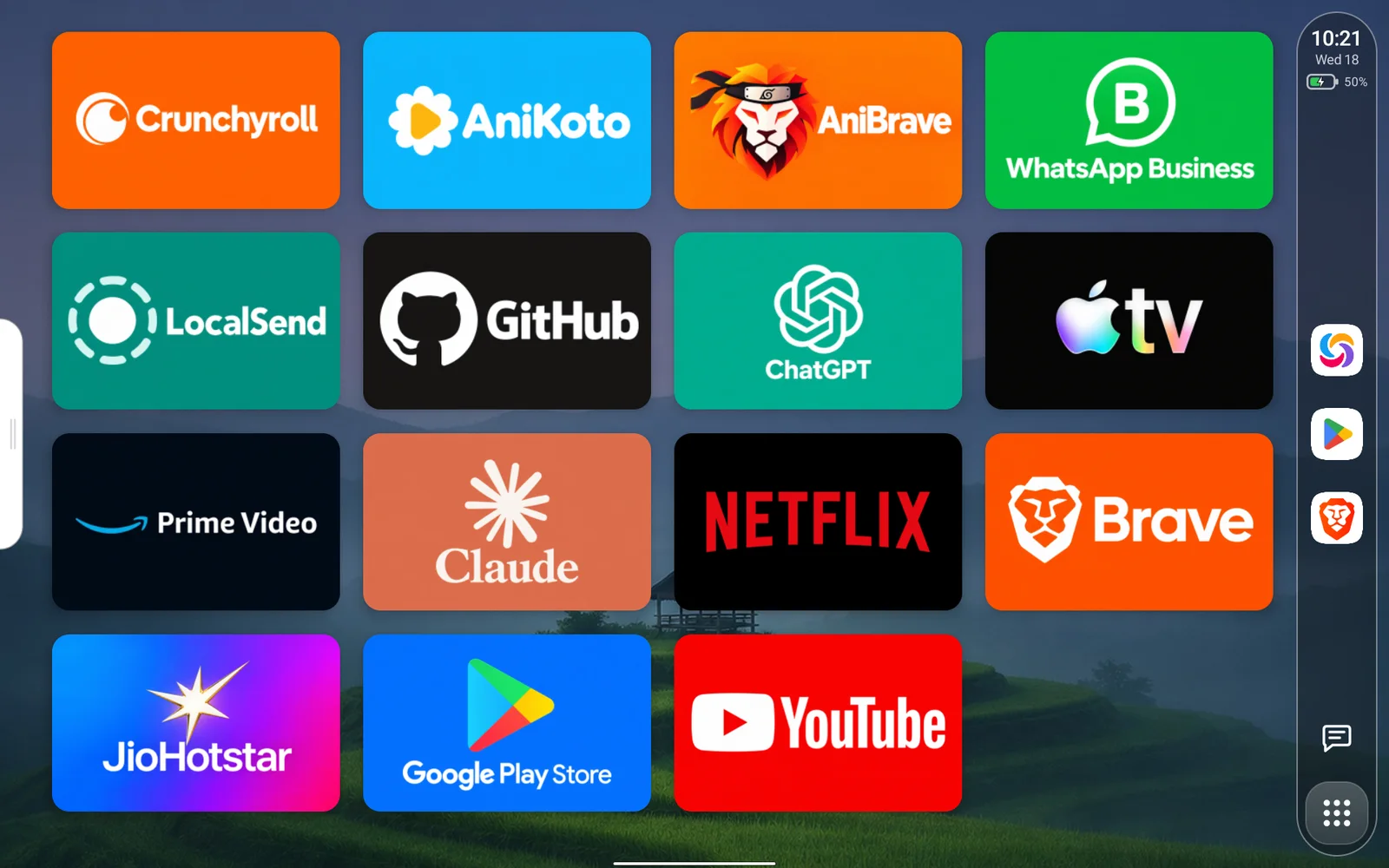
Make it your Home.
Match apps and websites with artwork from the store, or keep them as icons.
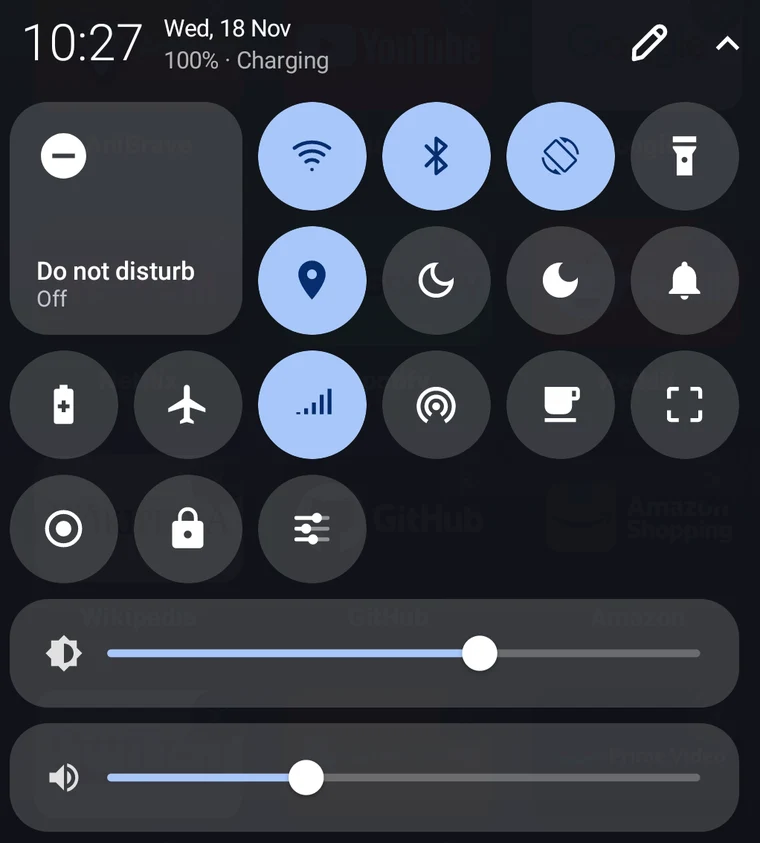
Resize round controls and sliders, swipe through pages and move the media player. Fullscreen gives notifications their own space.
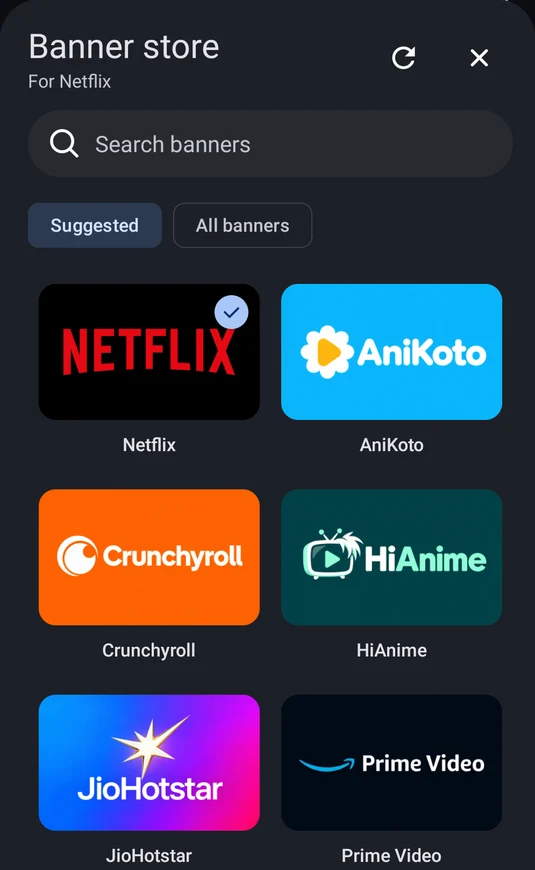
Search the store inside AniHome and choose the suggested match for your app.
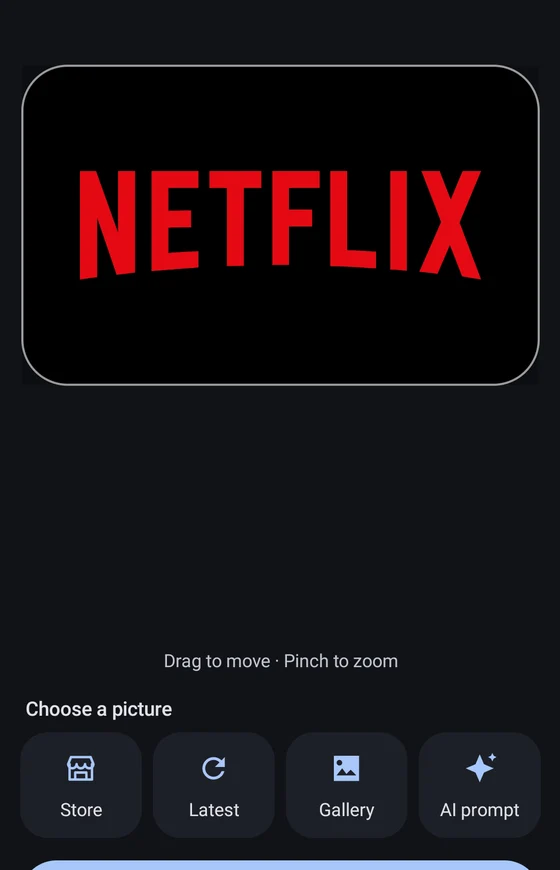
Choose a picture from your gallery and frame it in the banner editor.
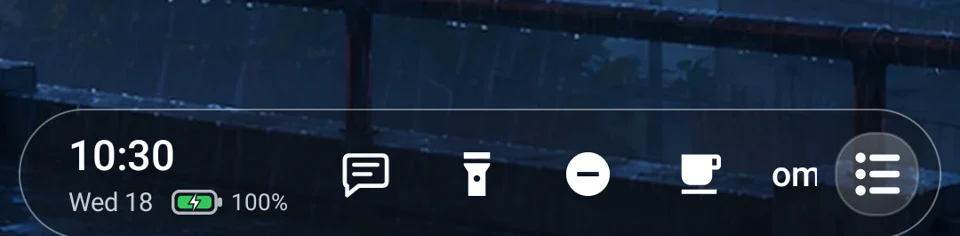
Keep up to three of your favourite controls beside the clock, battery and messages.
Tablet gestures
Swipe up for Home or Recents, and slide along the bottom to switch apps on supported tablets.
Notification history
Turn on history to keep dismissed notifications on your device for as long as you choose.
Privacy
AniHome has no accounts, ads or analytics.

One wallpaper, two frames.
Choose a wallpaper in AniHome and frame it separately for portrait and landscape. Your banners stay over the part of the picture you chose for each orientation.